
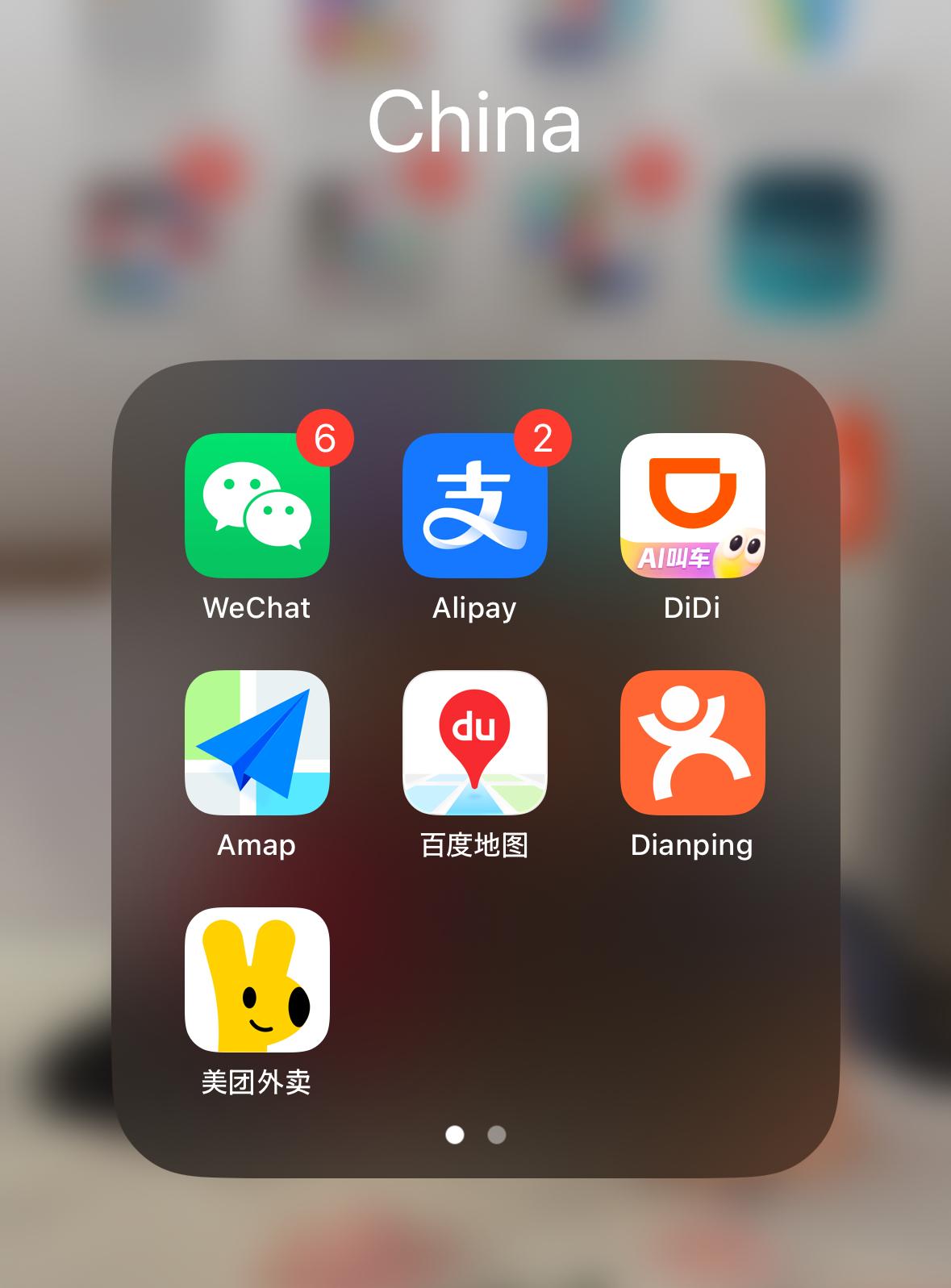
China runs on apps. Your usual travel toolkit won’t work the same way here. Google Maps is unreliable, Uber no longer operates in China, and services like WhatsApp require international roaming or a travel eSIM that routes data outside mainland China. On my trip to Guangzhou, the apps below were what I relied on every single day. Get them installed and set up before you board the plane, because the process is much easier on your home network.
What Apps Do You Need in China?
The four I’d consider essential are WeChat, Alipay, DiDi, and Amap. Dianping, Meituan, and Baidu Maps are useful additions depending on how independently you plan to travel.
WeChat: Your Communication and Payment App
WeChat is China’s super-app. It handles messaging, but more relevantly for travellers, it powers payments at restaurants, shops, attractions, and markets via QR code scanning. You’ll frequently use WeChat Pay in Guangzhou alongside Alipay.
Set it up before you leave: download the app, register with your phone number, and link an international Visa or Mastercard (and other supported overseas cards) through the WeChat Pay section. Some payment platforms may also require identity verification using your passport before certain features become fully available, so allow extra time when setting everything up. The app is available in English across its main interface (go to Me > Settings > General > Language to switch). Once your card is linked, you scan and pay like a local.

For a full breakdown of how payments work in China, including fee thresholds and the best cards to link, read our guide to paying in China.
Alipay: Equally Important for Payments
Alipay is the other dominant payment platform in China, used just as widely as WeChat Pay, and I’d strongly recommend having both set up. Some vendors accept one and not the other, and it’s not always predictable which. Having both covers almost everything you’ll encounter in Guangzhou, and occasional payment failures with overseas cards do happen on either platform, so having the other ready is practical rather than paranoid.
Alipay is specifically designed to support overseas visitors, with an international traveller mode that makes the setup straightforward. Download it, register, link your card, and you’re ready.
DiDi: How to Get Around Without the Taxi Hunt
Street taxis are still available in Guangzhou, but DiDi makes the process much easier by eliminating language barriers and enabling cashless payment. You book through the app, see the route and price estimate before you get in, and you can pay using your linked payment method, whether that’s Alipay, WeChat Pay, or an eligible overseas card.
DiDi has an English interface built for international users. Register before you travel and connect it to one of your payment apps. It’s how I got around Guangzhou for the entire trip. If you’re travelling with kids, our guide to getting around Guangzhou with kids covers DiDi, the metro, and airport transfers in detail.

Amap: Your Primary Navigation App for All of China
Amap is developed by AutoNavi, a subsidiary of Alibaba, and it’s one of China’s most widely used navigation apps. It covers every city, metro system, and walking route accurately and in real time. Google Maps is blocked in China, and even with a VPN it gives unreliable positioning on the mainland. Amap does not have that problem.
Amap has significantly improved its English support for international visitors, with core functions such as navigation, metro routes, and walking directions available in English. Some local listings and points of interest still appear only in Chinese, but for getting from A to B it works well. I used it throughout Guangzhou and it was consistently accurate, including for metro station exits and transfer connections. If available on your version of the app, switch to English through the settings menu. Download Guangzhou’s offline map in advance, though you’ll still want data access for real-time routing and transport updates.

Baidu Maps: Keep It as Your Backup
Baidu Maps is China’s other major navigation option. For Guangzhou, Amap is the stronger pick, but Baidu is worth having installed. English support is more limited than Amap, so treat it as the fallback you reach for when Amap doesn’t give you what you need.
Dianping: Find Where to Eat in Guangzhou
Dianping is how locals find restaurants across China, combining the functions of TripAdvisor and Yelp with far more granular local data. In Guangzhou, where the food is outstanding and the options genuinely overwhelming, this is what I used to find the good dim sum spots rather than walking into tourist traps.
Search by your location, filter by cuisine, and look for restaurants with a high review count. The app is predominantly in Chinese, though some listings include translated menu information and user-uploaded photos that make it easier to navigate without reading the language.

Meituan: For Food Delivery Back at the Hotel
Meituan is China’s dominant delivery and local services app, widely used across the country. After a full day in Guangzhou, being able to order food directly to your hotel is genuinely useful.
The Meituan app itself is in Chinese. Ordering through the Meituan mini program inside WeChat can be easier because you can use WeChat’s translation tools alongside dish photos and reviews to work out what you’re ordering. Payment goes through WeChat Pay or Alipay, both of which you’ll already have set up.

One More Thing: Getting Internet Access in China
Many travel eSIMs designed specifically for China route traffic through servers outside mainland China, allowing access to services like WhatsApp, Google, and Instagram without a separate VPN. I used one throughout the Guangzhou trip and it worked well. Check the provider’s specifications carefully before purchasing, as not all China eSIMs work this way. Get it activated at home rather than at the airport.
Before You Board: The Quick Checklist
Set all of this up from home, on your home network:
- WeChat: register, switch to English, link your card (allow time for any passport verification steps)
- Alipay: register, switch to English, link your card
- DiDi: register and connect to WeChat Pay or Alipay
- Amap: switch to English if available on your version, download offline map for Guangzhou
- Baidu Maps: download and keep as backup
- Dianping: download, no setup needed
- Meituan: download, or access via WeChat mini program
Get this done before you fly and Guangzhou becomes dramatically easier to navigate. The apps are good. The food is excellent. The planning is the only hard part.
Staying in Guangzhou? Browse our top hotel picks here.